Shut the Box
This is a free digital Shut the Box score sheet and score keeper — no signup, automatic totals, and share via QR so everyone scores from their own phone. Shut the Box scorecard for 1 to 8 players. Score the open tiles each round on a 9-tile or 12-tile box. Lowest running total wins.
Game setup
Min 1, Max 8
Shop Shut the Box products
Affiliate links • As an Amazon Associate we earn from qualifying purchases.
Key Features of Shut the Box scorecard
- Track scores for 1 to 8 players.
- Choose how many rounds to play, from 1 to 20.
- Enter the sum of tiles still open. 0 means you shut the box.
- Totals add across rounds. The lowest score leads.
- Real-time leaderboard with current leader highlighting.
- Mobile-optimized interface for on-the-go scoring.
- No registration required - start playing immediately.
- Shut the Box scoring app that works offline and syncs when back online.
How to Play Shut the Box
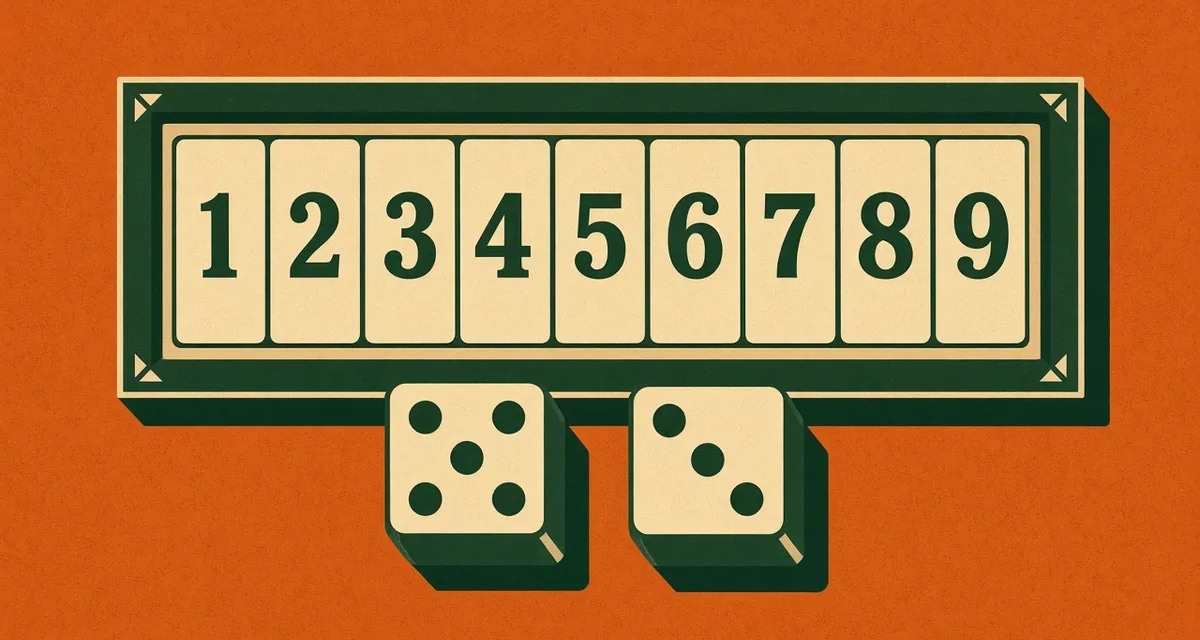
- Open every tile, then roll two dice. Shut any open tiles that add up to the roll. Roll again until you cannot.
- When every open tile is 6 or lower, you may roll one die. Some boxes switch once 7, 8, and 9 are shut.
- Your score is the sum of the tiles still open. Closing them all scores 0.
- A 1 to 9 box sums to at most 45. A 1 to 12 box sums to at most 78. Both fit on this sheet.
- Play the rounds you set and add each round. The lowest total wins. A tie shares the win.
Tips & Strategy for playing Shut the Box
- Enter the sum, not the leftover tiles read as one number. Open 2 and 5 score 7, not 25.
- Enter 0 when you shut the box.
- Agree on 9 or 12 tiles before the first roll. The sheet accepts either total.
Frequently asked questions about Shut the Box
What do I enter each Shut the Box round?
After your turn, add the numbers still open and enter that sum. Shutting every tile scores 0. On a 1 to 9 box the highest sum is 45. On a 1 to 12 box it is 78.
Who wins Shut the Box?
The lowest total after the rounds you set wins. A tie shares the win. Some tables stop as soon as someone shuts the box. This sheet keeps the running total so you can finish the rounds you chose.
Is Shut the Box the same game as Canoga?
Shut the Box is the usual name. Canoga and Batten Down the Hatches are older names for the same dice-and-tiles game. This sheet adds the open tiles. It does not read them as one long number.
How does this Shut the Box scorecard work?
Enter scores in the rows for each hand, hole, or round — the scorecard updates running totals and highlights the leader automatically. You can add players, rename them, and keep the sheet open for the whole session. No account is required: open the page and start tracking points. Totals are calculated for you so you can focus on the game.
Can I use ScorecardGO to score Shut the Box on mobile?
Yes. ScorecardGO is built for phones and tablets: large tap targets, readable tables, and layouts that fit narrow screens. You can score Shut the Box wherever you're playing, including at a table or outdoors. The same scorecard also works on a desktop if you prefer a larger screen.
Does this Shut the Box scorecard work offline?
Once this Shut the Box scorecard page is loaded, you can keep entering scores without an internet connection. Your scores stay in the browser on your device, so a dropped connection does not wipe a local game. If you have shared the scorecard so others can follow along, those live updates need a connection and catch up when you are back online. Bookmark the page if you want to reopen the same sheet later.
Is this Shut the Box scorecard free?
Yes. ScorecardGO is free to use in the browser with no account required. Open the Shut the Box scorecard and start tracking points right away. There is no signup wall and no paid plan required to keep score.
Can I share this Shut the Box scorecard with a QR code?
Yes. Open Share on the scorecard and show the QR code so everyone playing can follow the Shut the Box score on their own phone. You choose whether guests can enter scores or only watch, and you can change that during the game. People who cannot scan can type the six-character code at scorecardgo.com/join. Sharing is optional; if you never tap Share, the scorecard stays on your device.