Go
This is a free digital Go score sheet and score keeper — no signup and automatic totals, with no account required. Go score calculator and score sheet (Baduk, Weiqi): Japanese, Chinese, or AGA scoring with territory, captures or living stones, and komi.
| Black | White | |
|---|---|---|
Territory Empty points surrounded by your stones | ||
Captures Prisoners captured during the game | ||
Komi | — | |
| Total | 0 | 6.5 |
White wins by 6.5 points
Shop Go products
Affiliate links • As an Amazon Associate we earn from qualifying purchases.
Key Features of Go scorecard
- Switch between Japanese, Chinese, and AGA scoring with one tap.
- Black and White with komi for White (default 6.5, editable).
- Territory for all modes; prisoners for Japanese and AGA; living stones for Chinese.
- Simple manual entry after the game — no board or move tracking.
- Large inputs and a clear layout for phones.
- Real-time leaderboard with current leader highlighting.
- Mobile-optimized interface for on-the-go scoring.
- No registration required - start playing immediately.
- Go scoring app that works offline and syncs when back online.
How to Play Go
- After play stops, pick your scoring system: Japanese and AGA count territory plus prisoners; Chinese counts territory plus living stones on the board.
- Komi is added to White’s score (common default: 6.5 points) to offset Black moving first.
- The side with the higher total wins; equal totals are a draw.
Tips & Strategy for playing Go
- Select Japanese, Chinese, or AGA before you enter scores so the right fields appear.
- Double-check territory and prisoners or living stones before you record them.
- Set komi to match your house or tournament rules (e.g. 5.5, 6.5, 7.5).
- Use Reset to clear the form between games.
Frequently asked questions about Go
How do you calculate a Go game score?
Choose Japanese, Chinese, or AGA scoring, enter each side’s counts, add komi to White, and compare totals — the higher total wins. This calculator does not track the board or moves; you count stones after play stops and type the numbers. Equal totals are a draw. Reset the form between games so the previous match is not mixed in.
What is the difference between Japanese, Chinese, and AGA scoring?
Japanese and AGA use territory plus prisoners; Chinese uses territory plus living stones on the board. All three add komi for White — pick the mode that matches how you counted. Switching the mode on this page shows the fields for that system. Use the same method both players agreed at the start of the game.
What is komi in Go scoring?
Komi compensates White for moving second — common values are 5.5, 6.5, or 7.5; adjust the field to match your match rules. This calculator defaults to 6.5 and adds it to White’s total. Half-point komi is used so games do not end in an integer tie under some rules. Change it before you compare the two sides.
When should I use the Go score calculator?
Use this after play stops — count territory and prisoners (Japanese/AGA) or territory and living stones (Chinese), enter the numbers, and read the winner from the totals. It is a score sheet, not a live board. You can score on a phone at the table once both sides have counted. There is no account required to use the calculator.
How does this Go scorecard work?
Enter scores in the rows for each hand, hole, or round — the scorecard updates running totals and highlights the leader automatically. You can add players, rename them, and keep the sheet open for the whole session. No account is required: open the page and start tracking points. Totals are calculated for you so you can focus on the game.
Can I use ScorecardGO to score Go on mobile?
Yes. ScorecardGO is built for phones and tablets: large tap targets, readable tables, and layouts that fit narrow screens. You can score Go wherever you're playing, including at a table or outdoors. The same scorecard also works on a desktop if you prefer a larger screen.
Does this Go scorecard work offline?
Once this Go scorecard page is loaded, you can keep entering scores without an internet connection. Your scores stay in the browser on your device, so a dropped connection does not wipe a local game. If you have shared the scorecard so others can follow along, those live updates need a connection and catch up when you are back online. Bookmark the page if you want to reopen the same sheet later.
Is this Go scorecard free?
Yes. ScorecardGO is free to use in the browser with no account required. Open the Go scorecard and start tracking points right away. There is no signup wall and no paid plan required to keep score.
Guides for Go
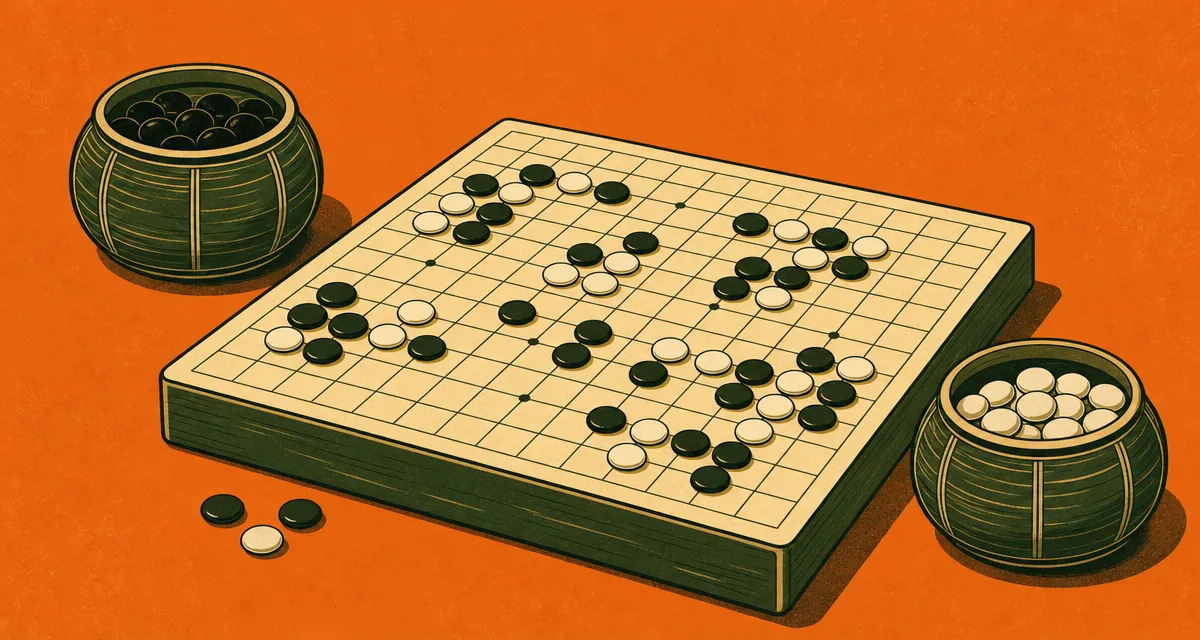
- Dead Stones in Go Explained
Dead stones in Go: living vs dead groups, when to remove them, and how they affect territory and prisoners. Count correctly then use our Go score calculator.
- Go Board Sizes Explained
9x9 vs 13x13 vs 19x19 Go boards: game length, strategy, and scoring. Same counting rules on every size. Score any finished game on our free calculator.
- Go Rules for Beginners
Essential Go rules for beginners: liberties, capture, illegal moves, eyes, and passing. Enough to play your first game and score it on our free calculator.